
AI farming intelligence
Ask about crop guidance, soil interpretation, nutrient insights, irrigation questions and compatible device use through the connected AI assistant.
Connect the Soilo mobile application and Ground Intelligence Dashboard to bring device readings, field context, agricultural guidance and organisational reporting together.
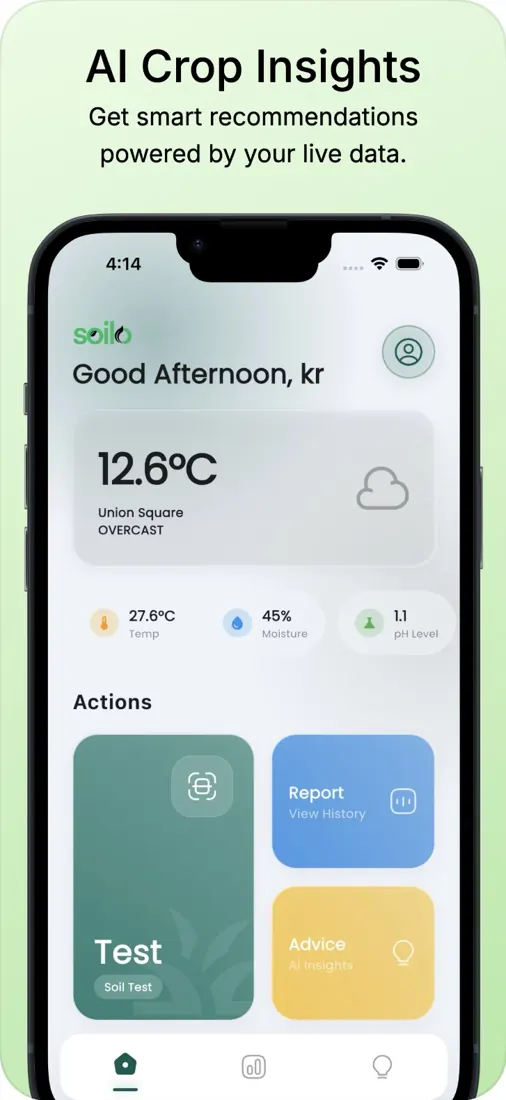
The mobile application supports the people collecting and interpreting information in the field. Chat with Soilo AI, submit crop images for observations, ask device-related questions and access customer support alongside compatible device records.
The dashboard gives organisations a structured workspace for location-based information, monitoring histories and supported reporting. A shared field-to-platform workflow makes the source and context of information easier to understand across distributed teams.
Ask about crop guidance, soil interpretation, nutrient insights, irrigation questions and compatible device use through the connected AI assistant.
Upload crop, plant or leaf photographs for AI observations and relevant suggestions. Field context and professional assessment remain important when a problem needs confirmation.
Understand compatible device readings, follow supported troubleshooting guidance and raise customer support tickets with issue details and attachments.
Review compatible device histories, location-based records, reports and enterprise views, with features determined by the deployed application and dashboard configuration.
Cloud AI chat and image analysis require a connection. Supported offline field capture and queued synchronisation remain separate from online AI services; available features depend on the app version and compatible device.
Tell us about your sites, field work or business programme so we can define the appropriate scope.
Step 1
Pair supported devices, collect readings and retain the field location and observation context.
Step 2
Use AI assistance and available reports to understand observations and identify useful follow-up questions.
Step 3
Bring compatible records into the dashboard when connectivity is available and review histories across locations.
AI chat, crop image observations, device assistance and support tickets.
ExploreField histories, reporting and connected enterprise records.
ExploreDiscuss organisational workflows and multi-location intelligence.
ExploreReview integration requirements and supported data workflows.
ExploreFind the right support and engagement route.
ExploreReview information access, data handling and enterprise security requirements.
ExploreYes. The assistant supports questions about compatible Soilo devices, soil information and connected field workflows. Product-specific instructions and technical support remain the reference for device operation.
No. AI observations help you examine visible crop issues and consider next steps. They are not a laboratory diagnosis or a guarantee of disease identification.
Supported device-reading and field-record functions can retain data for later synchronisation. Cloud AI, image analysis and online support actions require connectivity.
The application supports compatible field capture and assistance, while the dashboard organises supported histories and enterprise views. Available functions depend on the deployed configuration.
The mobile assistant supports questions about compatible devices, soil information and field workflows. Official device instructions and technical support remain the reference for operation.
The assistant uses submitted crop, plant or leaf images to provide observations and relevant suggestions. The output is guidance rather than a guaranteed disease identification or laboratory diagnosis.
Cloud AI, image analysis and online synchronisation require a connection. Supported offline field capture and queued synchronisation are separate from online AI services.
Use supported fields and records to retain locations, timestamps, device details and observations. Consistent identifiers help connect readings to the correct field or site.
Users can raise supported customer support tickets with an issue description and relevant attachments, then follow the available ticket workflow in the application.
Discuss the data sources, formats, permissions and intended use during solution scoping. Direct connections to a specific external system are confirmed against supported integrations.
Share your product, service or programme requirements. The Soilo team will review your enquiry and contact you about the right configuration and next steps.
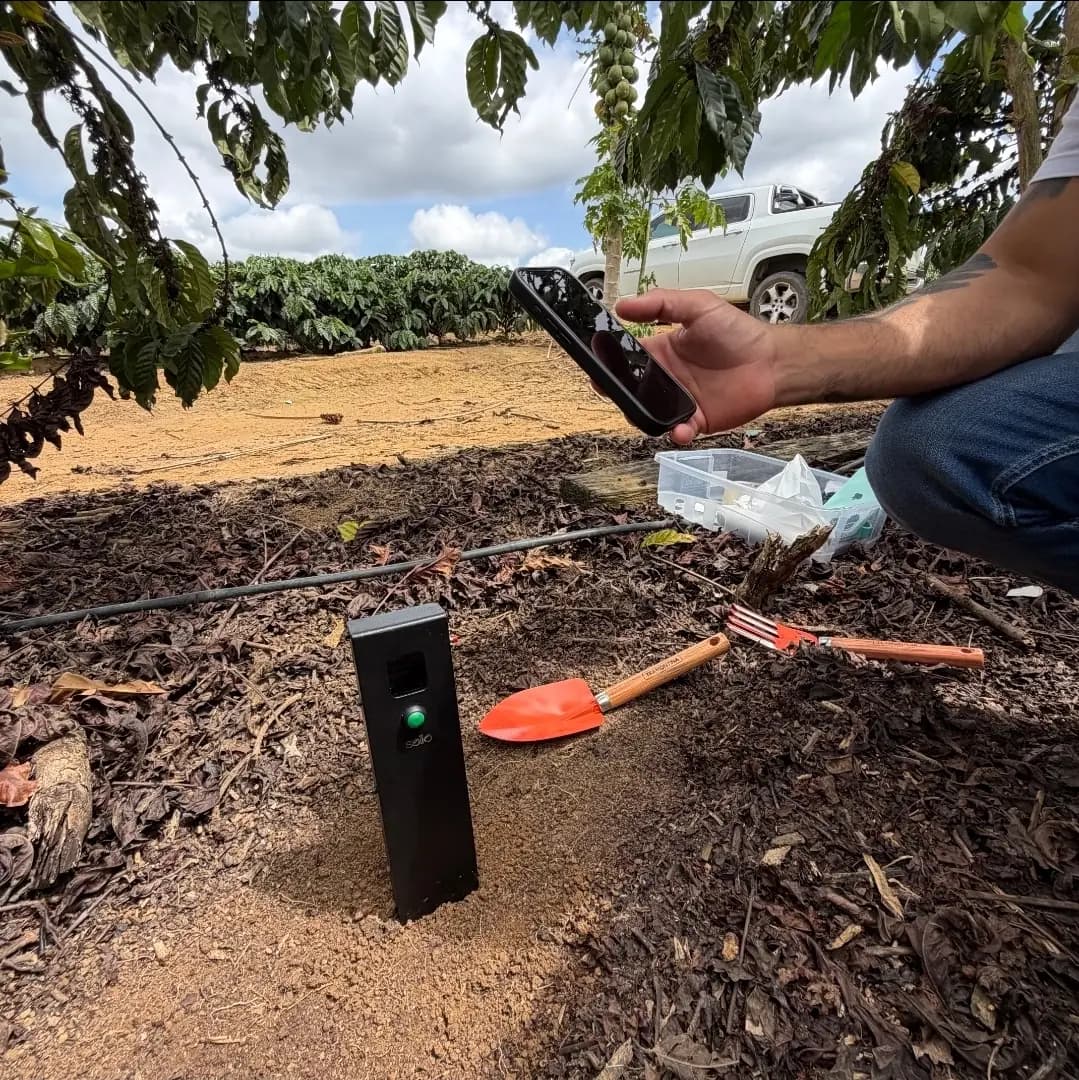
Portable soil testing, nutrient insights and connected field monitoring.
Explore Offering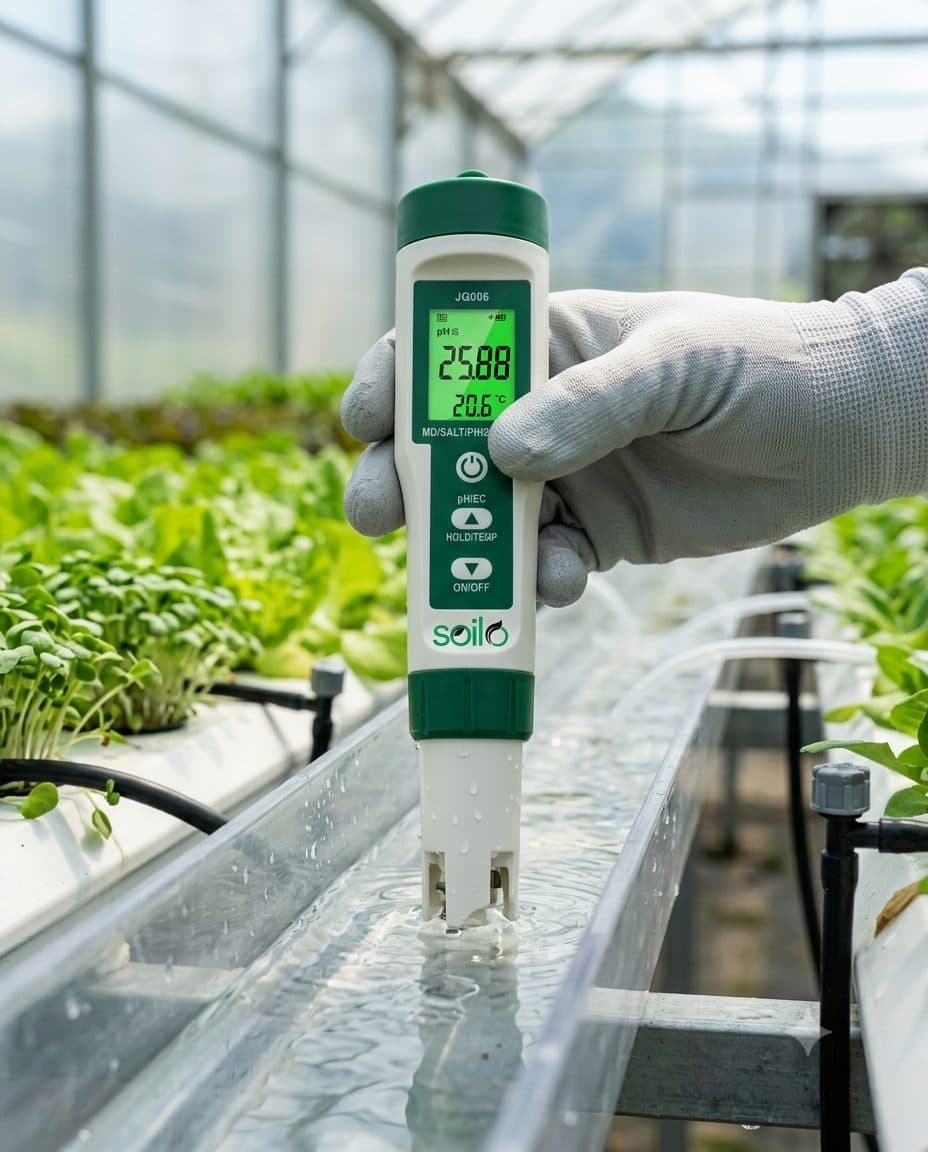
Water measurements, flow information and supported irrigation controls.
Explore Offering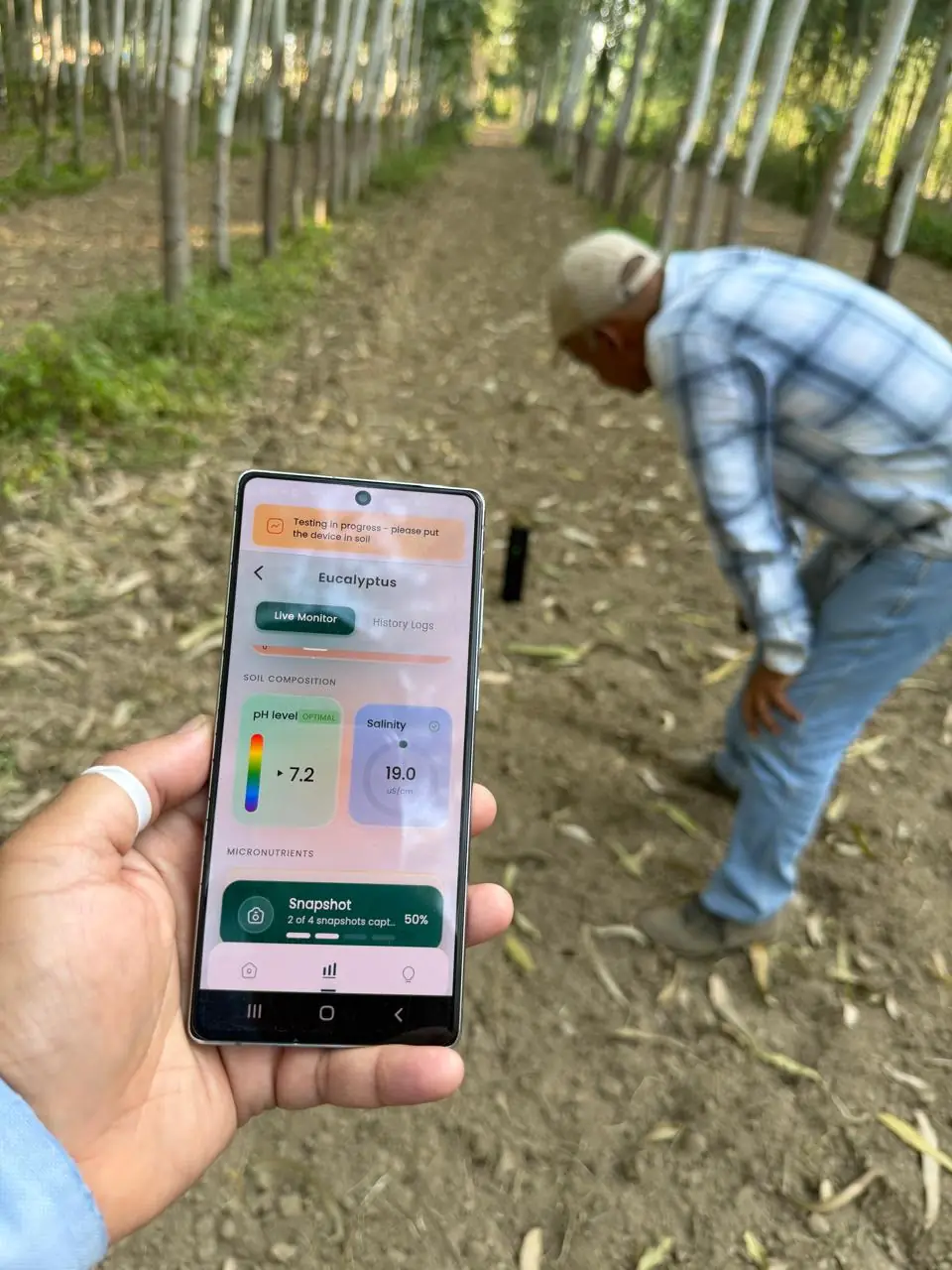
Carbon data, sustainability records and evidence-led reporting workflows.
Explore Offering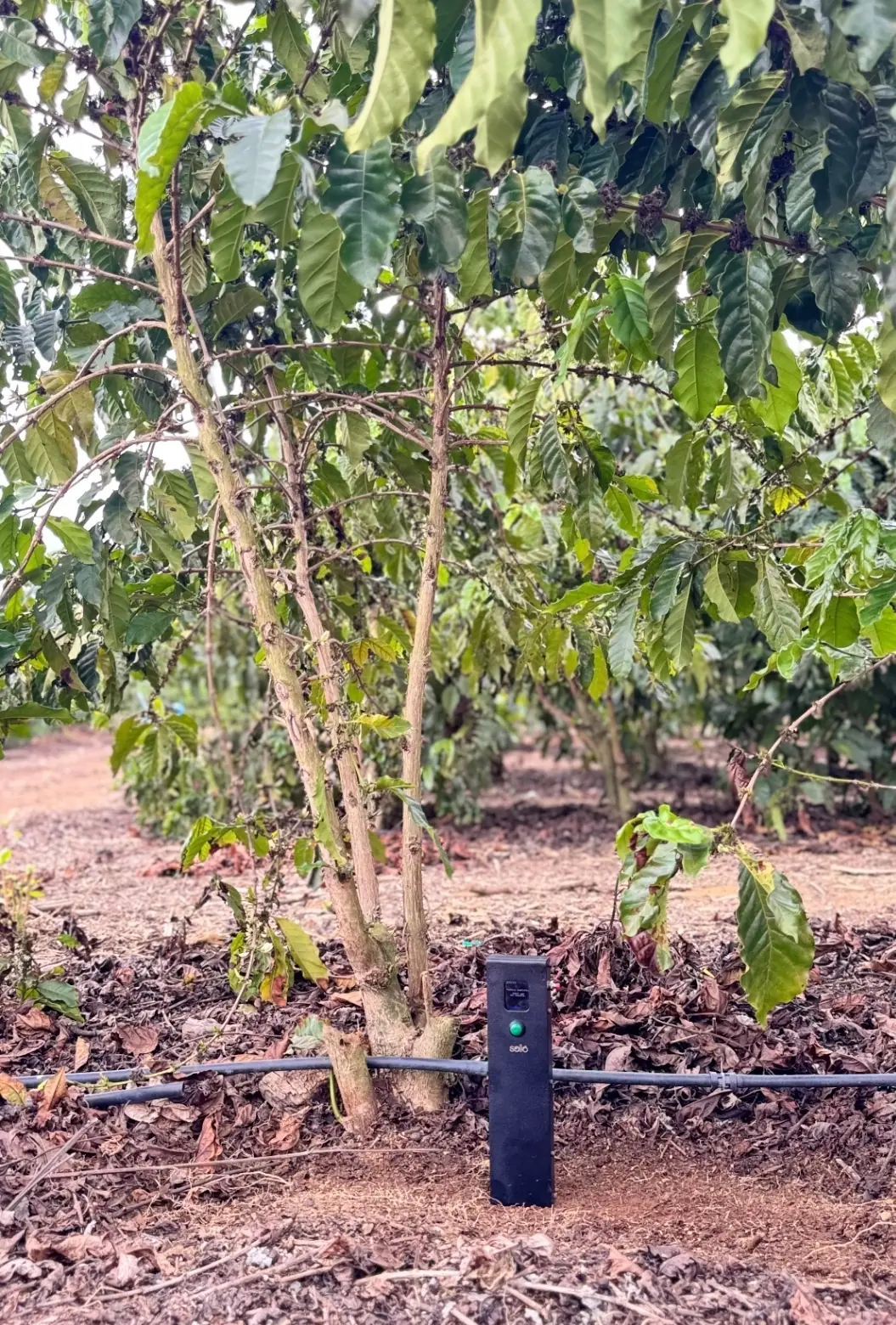
EUDR, supply-chain records, due diligence and managed compliance support.
Explore Offering
Material, environmental and operational intelligence for industrial facilities.
Explore Offering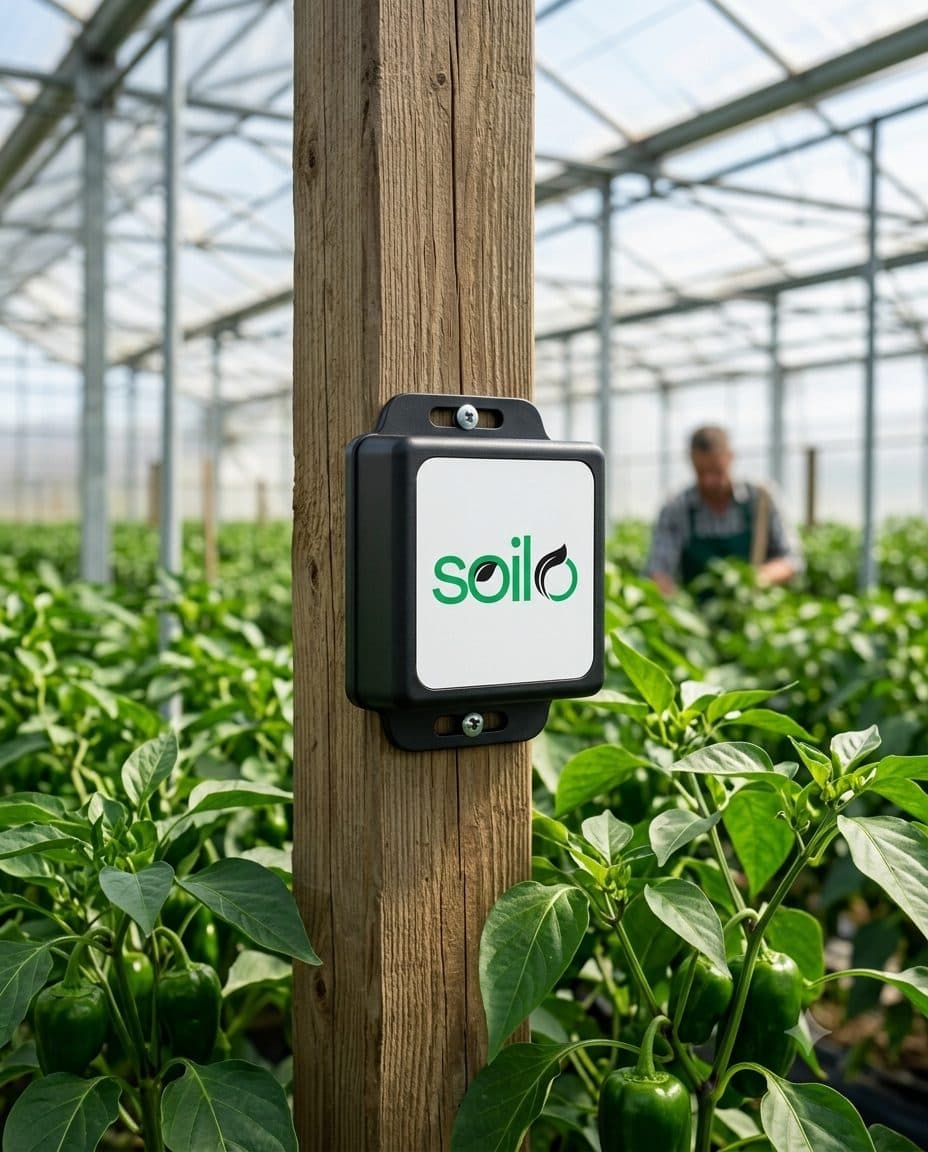
Field identification, crop observation, pest monitoring and connected sensing.
Explore Offering